How to Add Horizontal Lines Before and After a Text in HTML
28 February 2022·3 min read·48K views
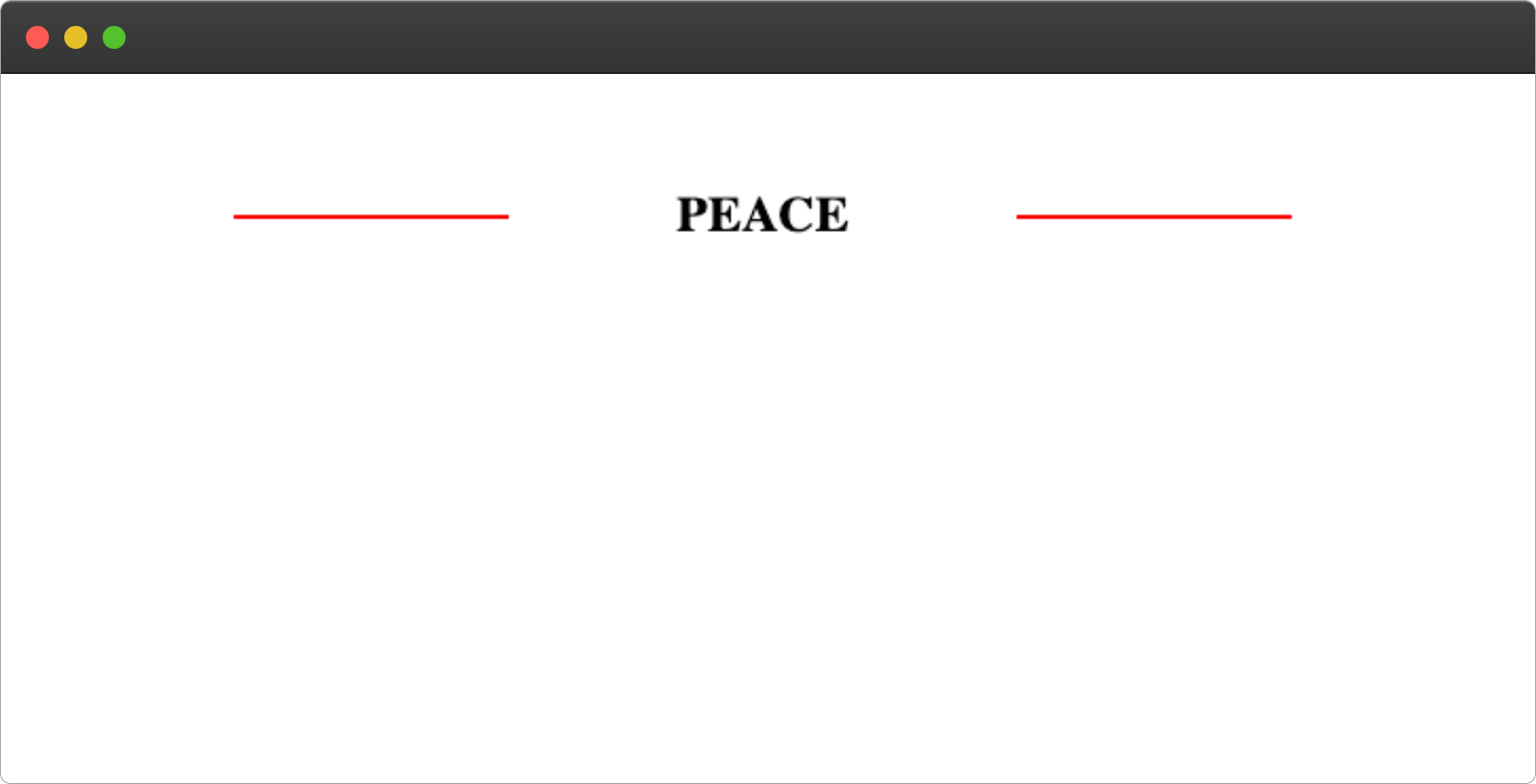
This article will guide you on how to add a horizontal line to the right and left side of a text as shown below:
if(busy){
} else {
1. Create an HTML text tag.
In your HTML file create an h2 tag and give it a class name of hr-lines
<h2 class="hr-lines">PEACE</h2>
2. Adding the Left Line
We'll make use of the CSS :before pseudo-element to add a line to the left side of the text. Apply the code below to your CSS file:
.hr-lines:before{
  content:" ";
  display: block;
  height: 2px;
  width: 130px;
  position: absolute;
  top: 50%;
  left: 0;
  background: red;
}
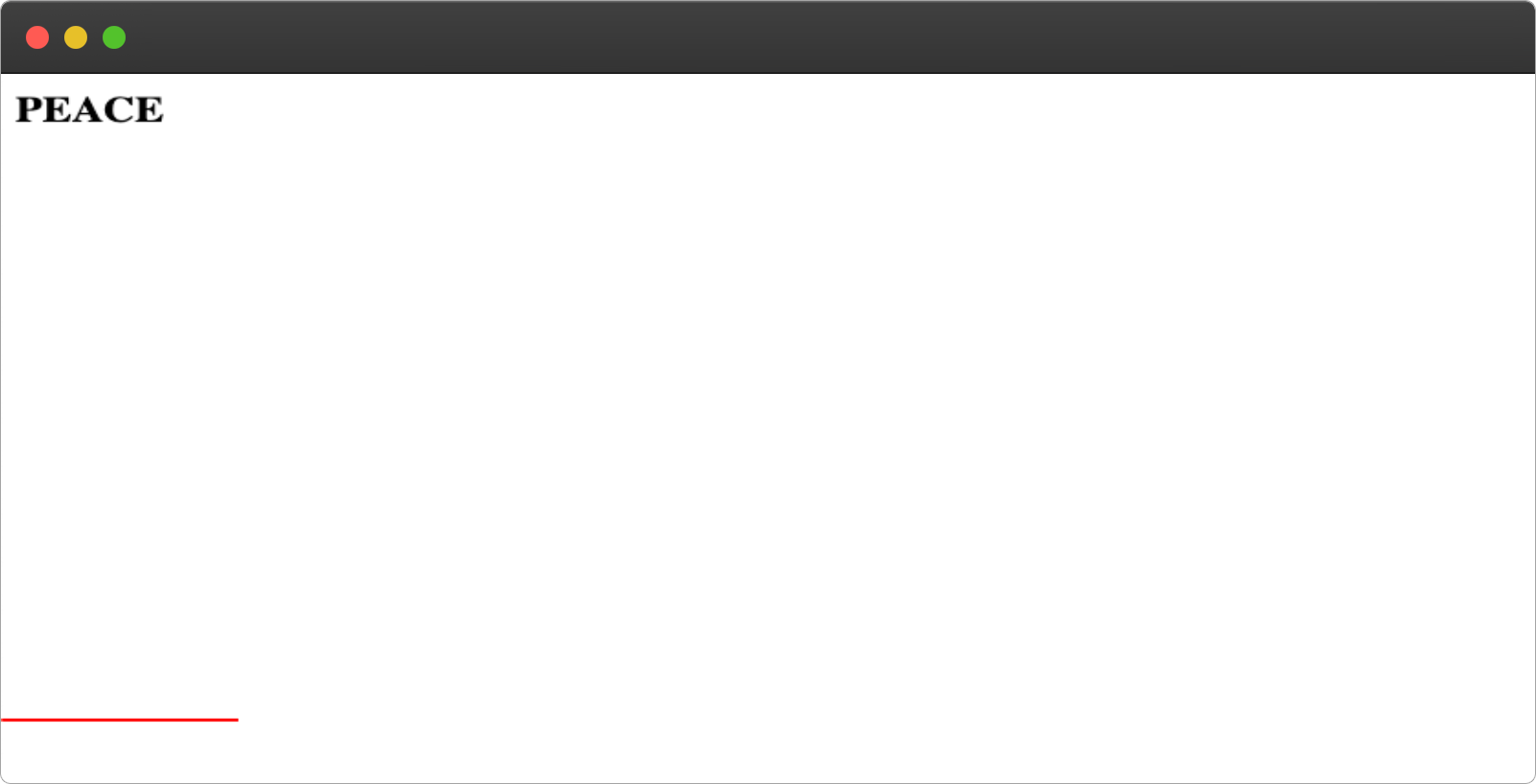
From the above code, we're creating a new element with a height of 2px and width of 130px before the hr-lines element using the content property, then giving it an absolute position in order to move it around, we set the top to 50% to make it align with the text at the middle.
3. Set the hr-lines to relative
For the pseudo-elements to be applied to the target element, we must set the position of the element to a relative, this will make all the movement of the :before and :after be relative to the parent (text).
Add the following lines to your CSS files.
.hr-lines{
  position: relative;
}
Resulting output
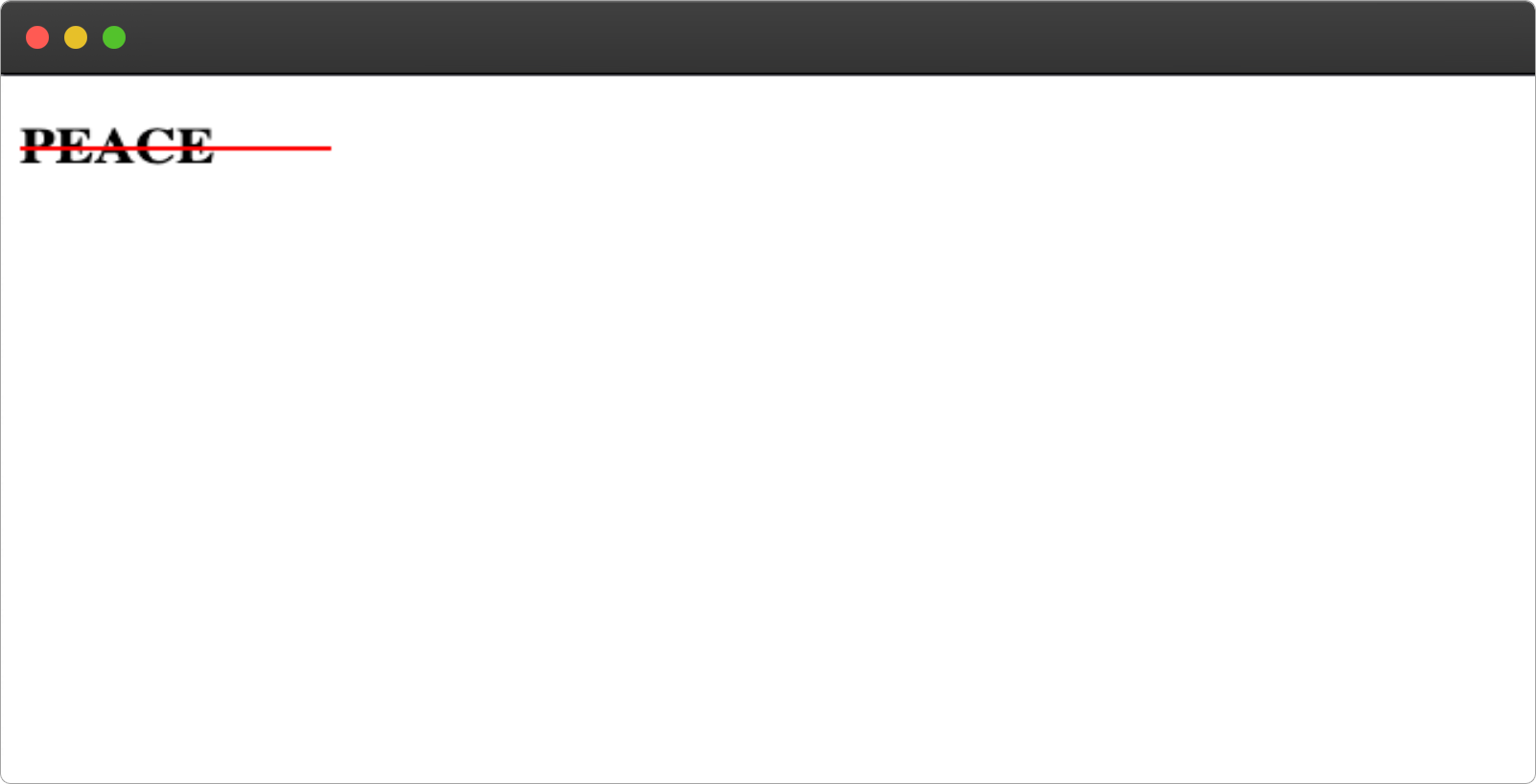
We can fix this by setting the max-width and adding margin to the element.
.hr-lines{
  position: relative;
  /*  new lines  */
  max-width: 500px;
  margin: 100px auto;
  text-align: center;
}
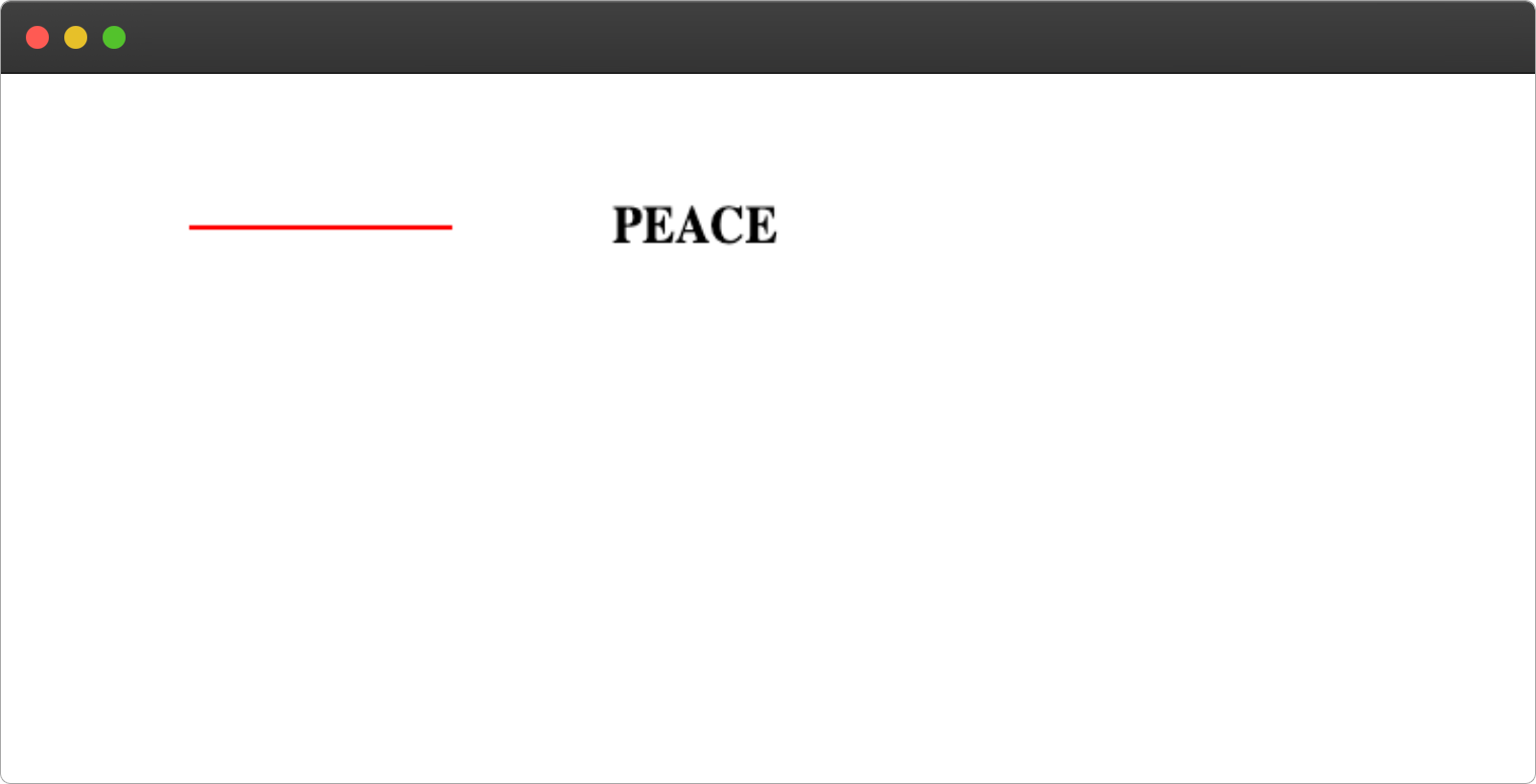
We're setting the :before to the left side of the text by setting the left:0.
4. Adding the Right Line
We'll make use of the :after pseudo-element to add the right line.
Add the following lines of code to your CSS file to add the right line to the text.
.hr-lines:after{
  content:" ";
  height: 2px;
  width: 130px;
  background: red;
  display: block;
  position: absolute;
  top: 50%;
  right: 0;
}
We're setting the :after to the right side of the text by setting the right:0.
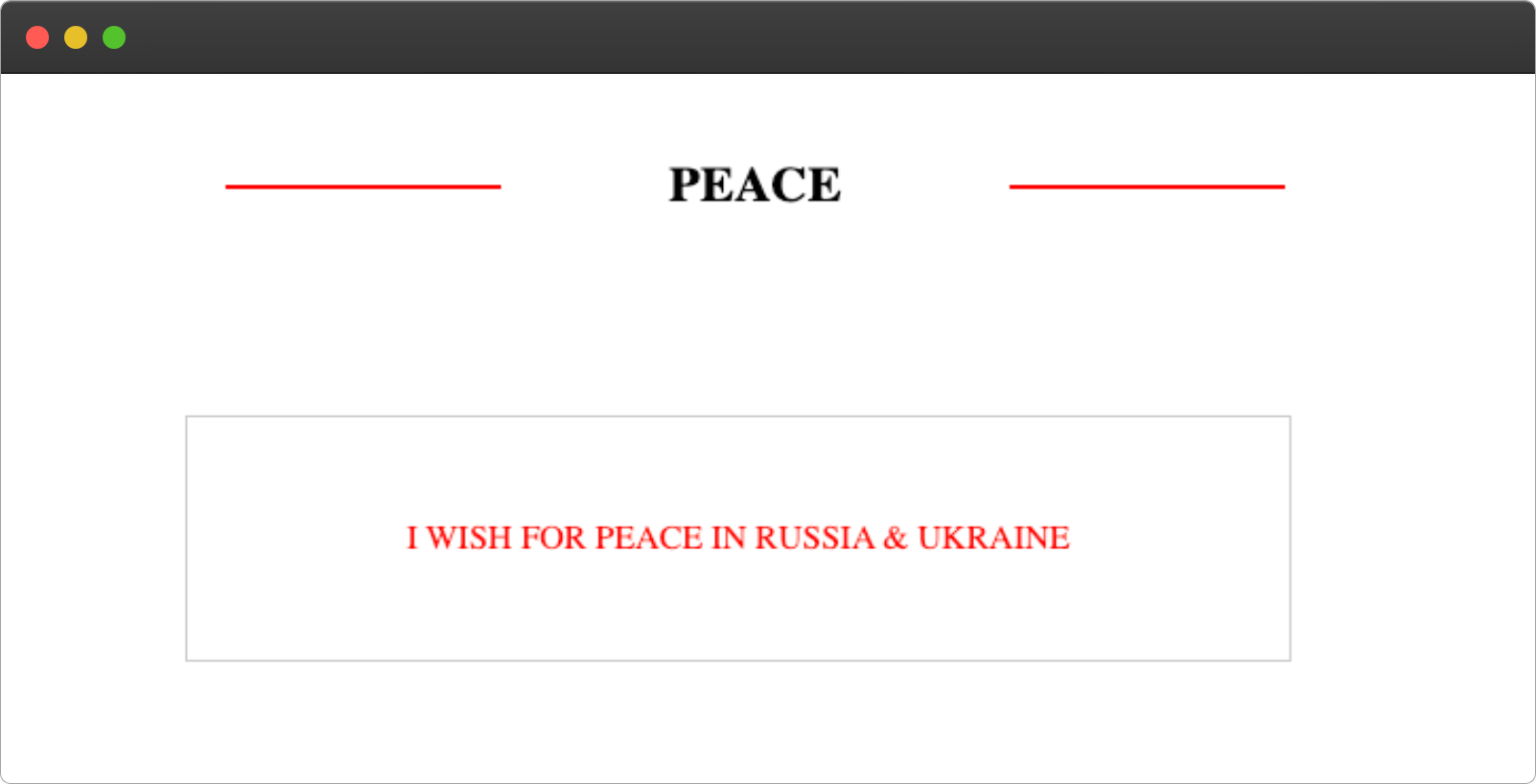
Final Output:
}
The Complete Code
index.html
<h2 class="hr-lines"> PEACE </h2>

<section>
  <div>
    <p>I wish for peace in Russia & Ukraine</p>
  </div>
<section>
index.css
.hr-lines{
  position: relative;
  max-width: 500px;
  margin: 100px auto;
  text-align: center;
}

.hr-lines:before{
  content:" ";
  height: 2px;
  width: 130px;
  background: red;
  display: block;
  position: absolute;
  top: 50%;
  left: 0;
}

.hr-lines:after{
  content:" ";
  height: 2px;
  width: 130px;
  background: red;
  display: block;
  position: absolute;
  top: 50%;
  right: 0;
}

p{
  text-transform: uppercase;
  color: red;
}

section{
  display: flex;
  justify-content: center;
  align-items:center;
  gap: 1rem;

}

div{
  width: 500px;
    border: 1px solid #ccc;
  padding: 10px;
  height: 100px;
  display: flex;
  justify-content: center;
  align-items: center;
  line-height: 1.4;
}
Wrapping Up
I hope that this article will assist you in creating a text with horizontal right and left lines at some point in the future.
Learn how to code (in 2024) with me. Checkout my YouTube channel below:
%[https://youtu.be/JH77WsDH8yY]
Wow, what a journey, I am glad you made it to the end of this article, if you enjoyed and learned something new from this article, I will like to connect with you.
Let's connect on
%%[reaction-id]
See you in the next article. Bye Bye 🙋♂️
If you found my content helpful and want to support my blog, you can also buy me a coffee below, my blog lives on coffee 🙏.