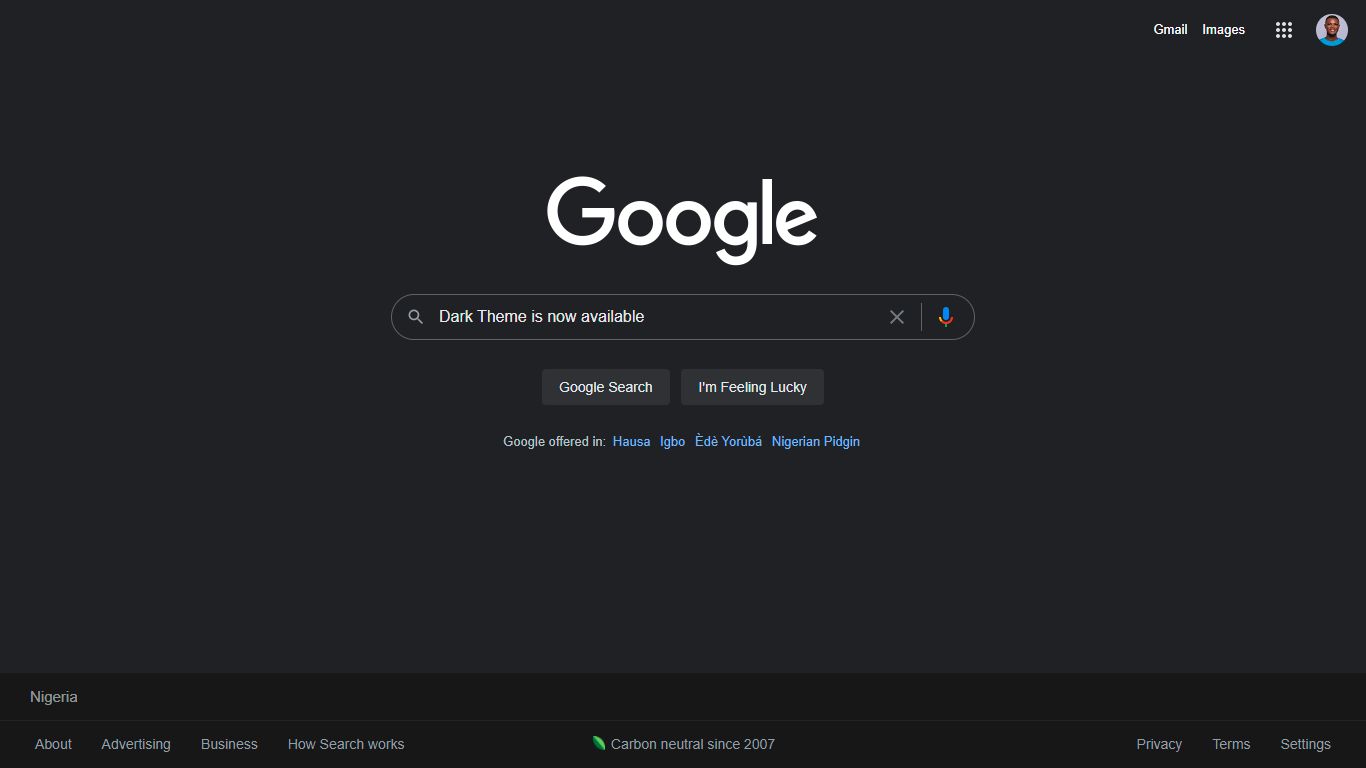
3 Steps to turn on your Google Search Dark Mode
Google answers to bugs in Dark Mode 💃
16 June 2021·2 min read·519 views
Hello 👋, my gorgeous friends on the internet 🙌,
Did you know that Google now has the option for Dark Mode ?
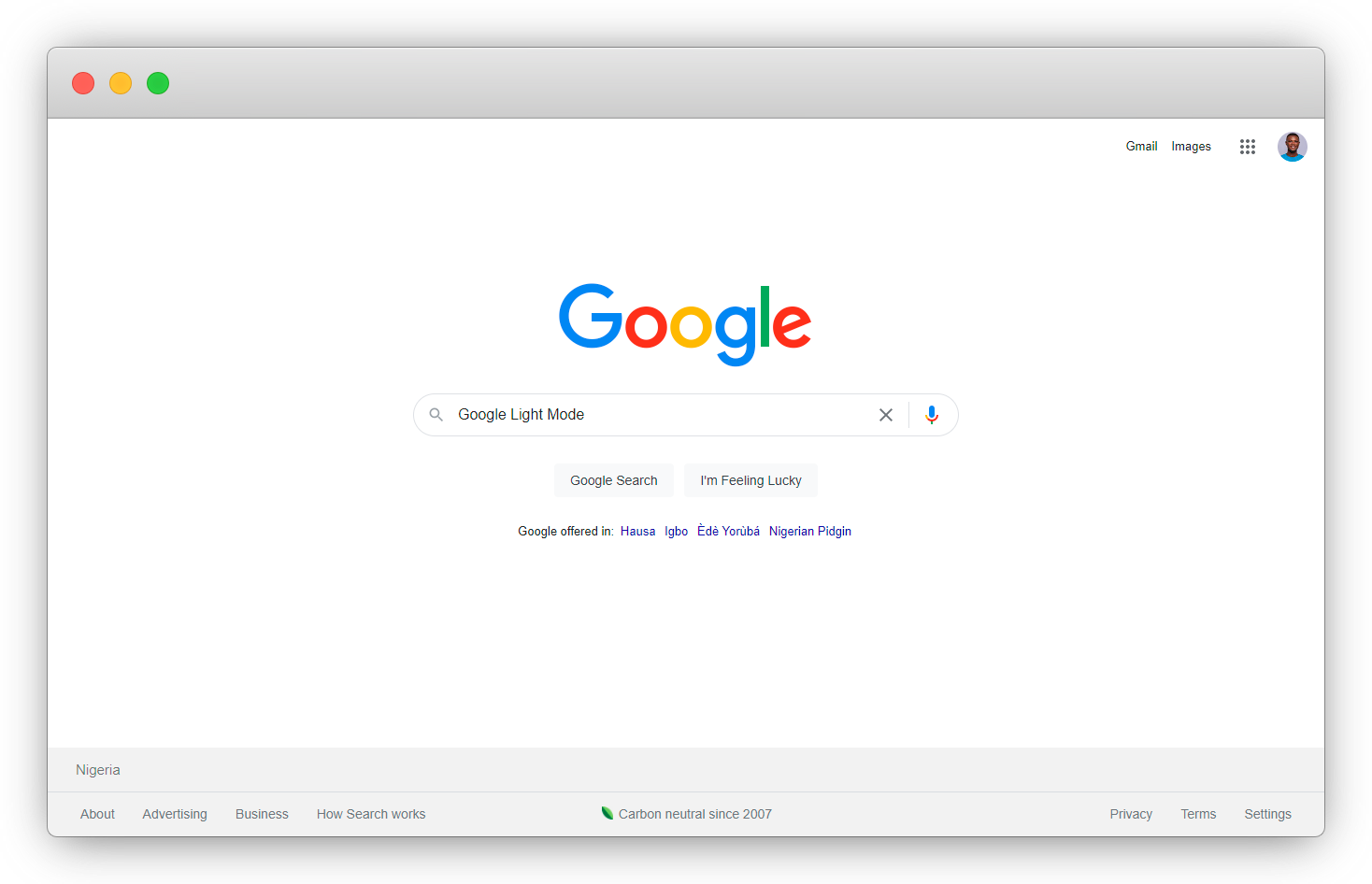
No qualms if you don't know, because in this article I will be explaining how you can easily switch from the Light Mode 👇
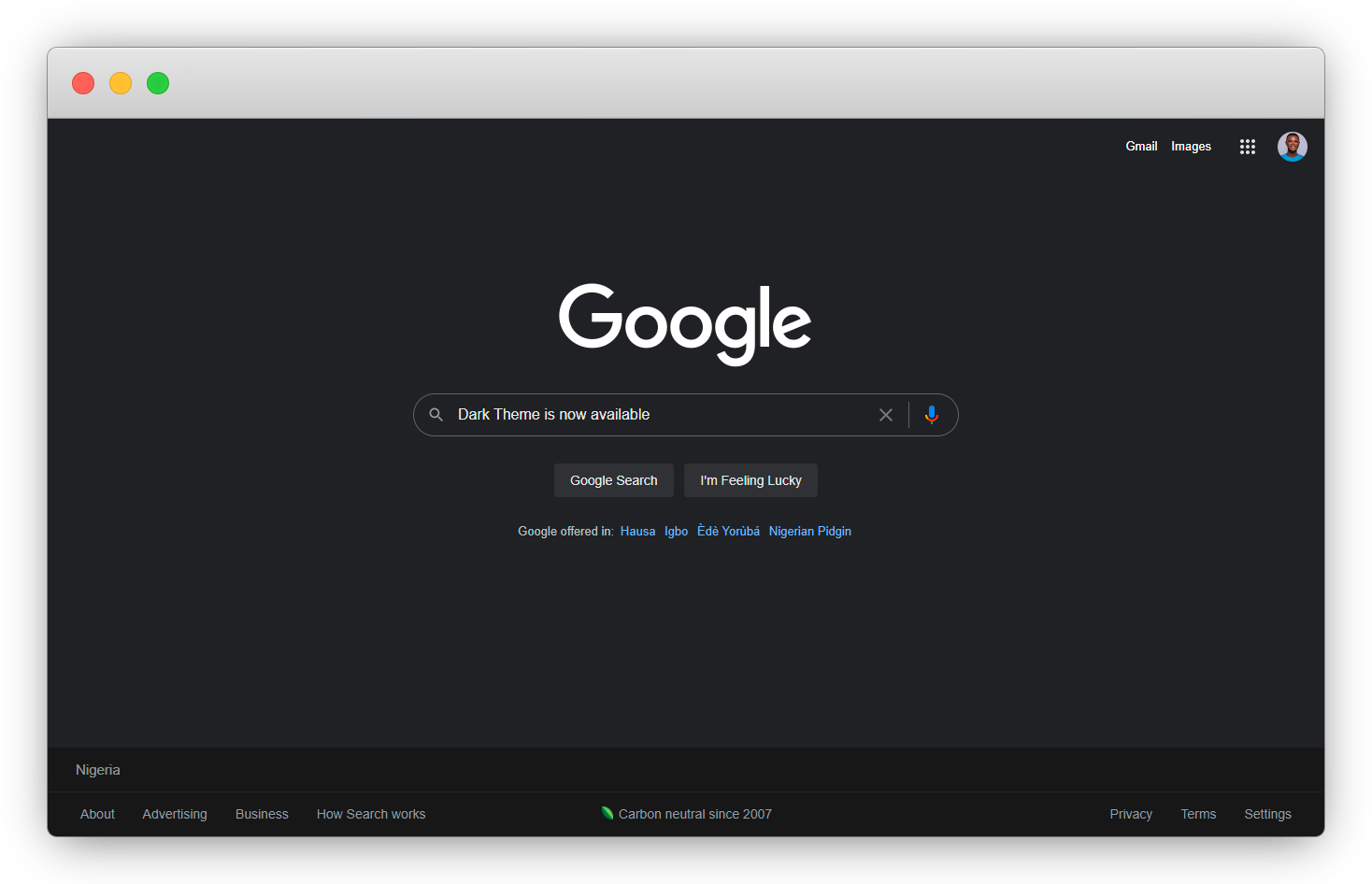
To the Dark Mode 👇
Kindly note that, not all Google users are eligible for this feature yet.
Let's Ride 🏇
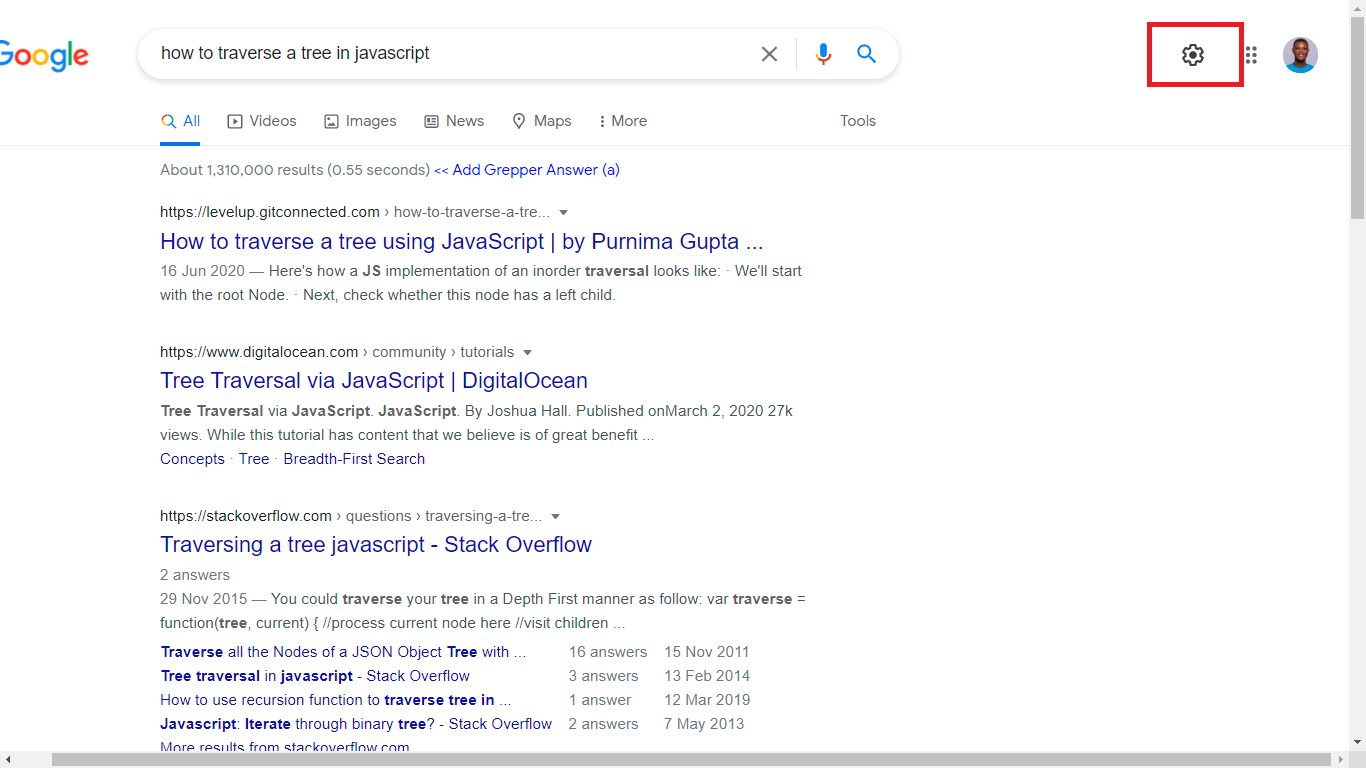
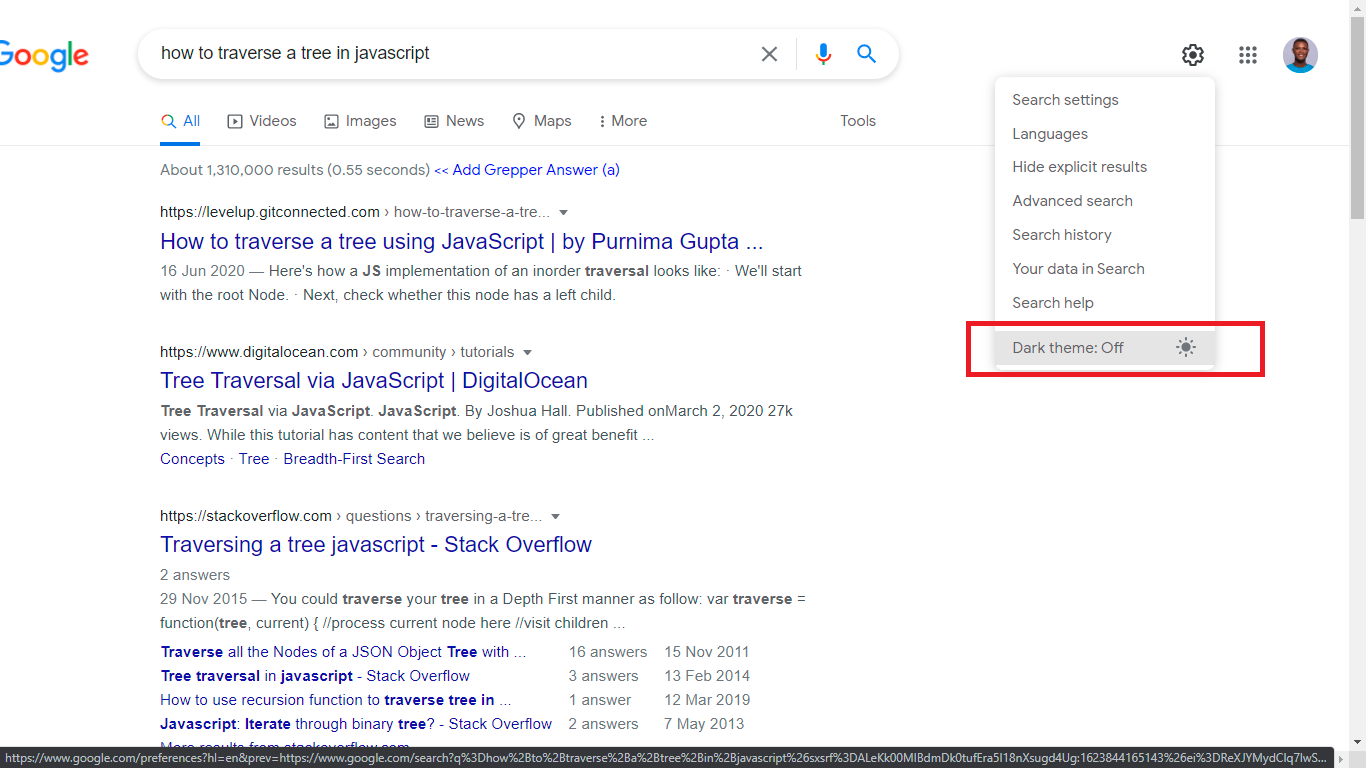
1. On the Google Result page, locate and click the Settings Cog 👇
2. From the dropdown, you should see the Dark Theme set to off, click the option to turn the Dark theme on 👇
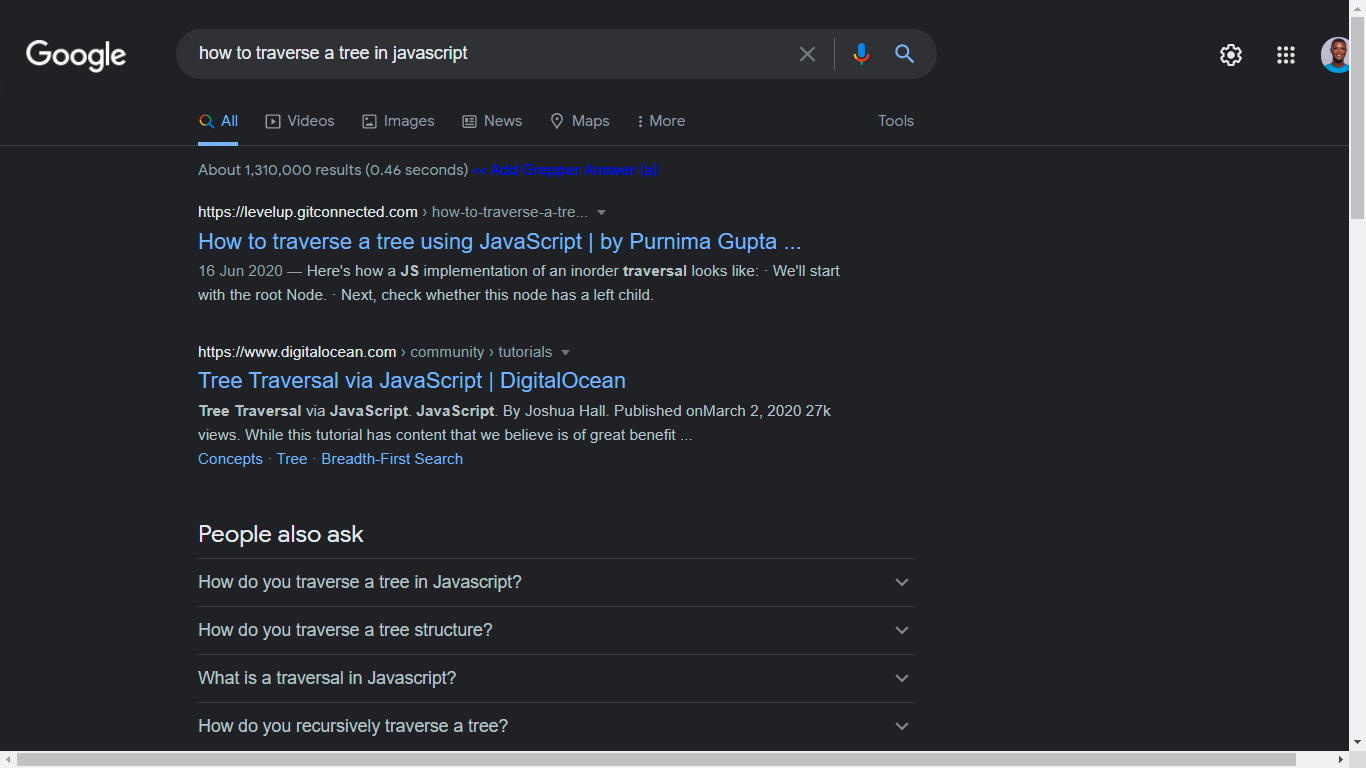
3. Now you can enjoy the Google Dark Mode while Googling answers to those bugs 👇.
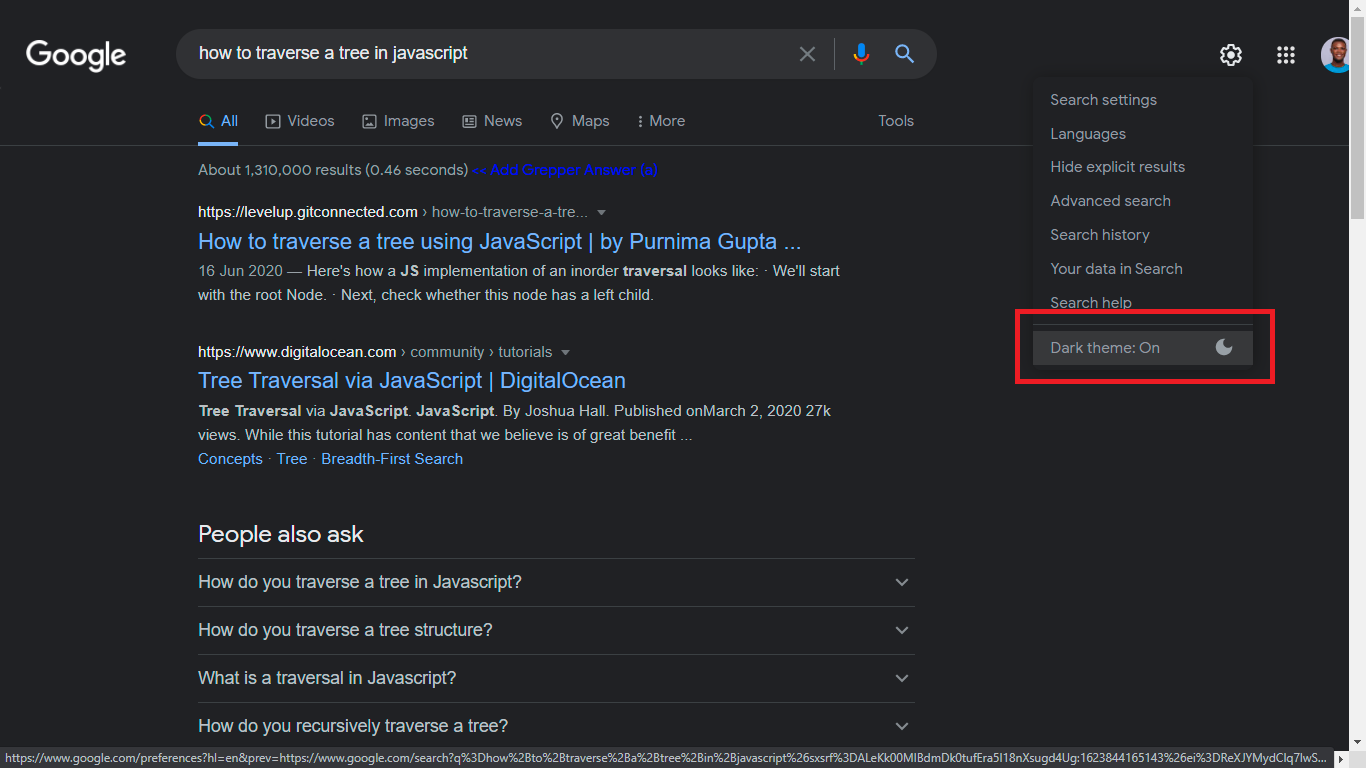
You can toggle the option to turn on the Light Mode.
Happy Googling in Dark Mode
Wow, what a journey, I am glad you made it to the end of this article, if you enjoyed and learned from this article, I will like to connect with you, so you won't miss any of my upcoming articles.
Let's connect on
%%[reaction-id]
See you in the next article. Bye Bye 🙋♂️

If you found this helpful and want to support my blog, you can also buy me a coffee below.